Models

Pick-up and Delivery Routing
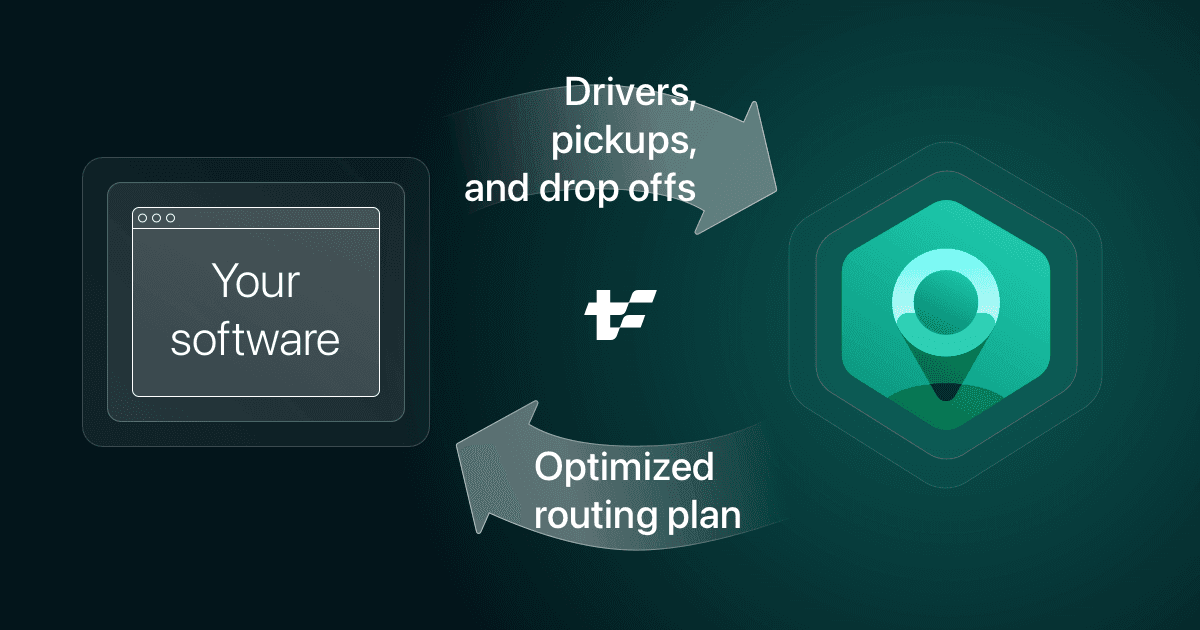
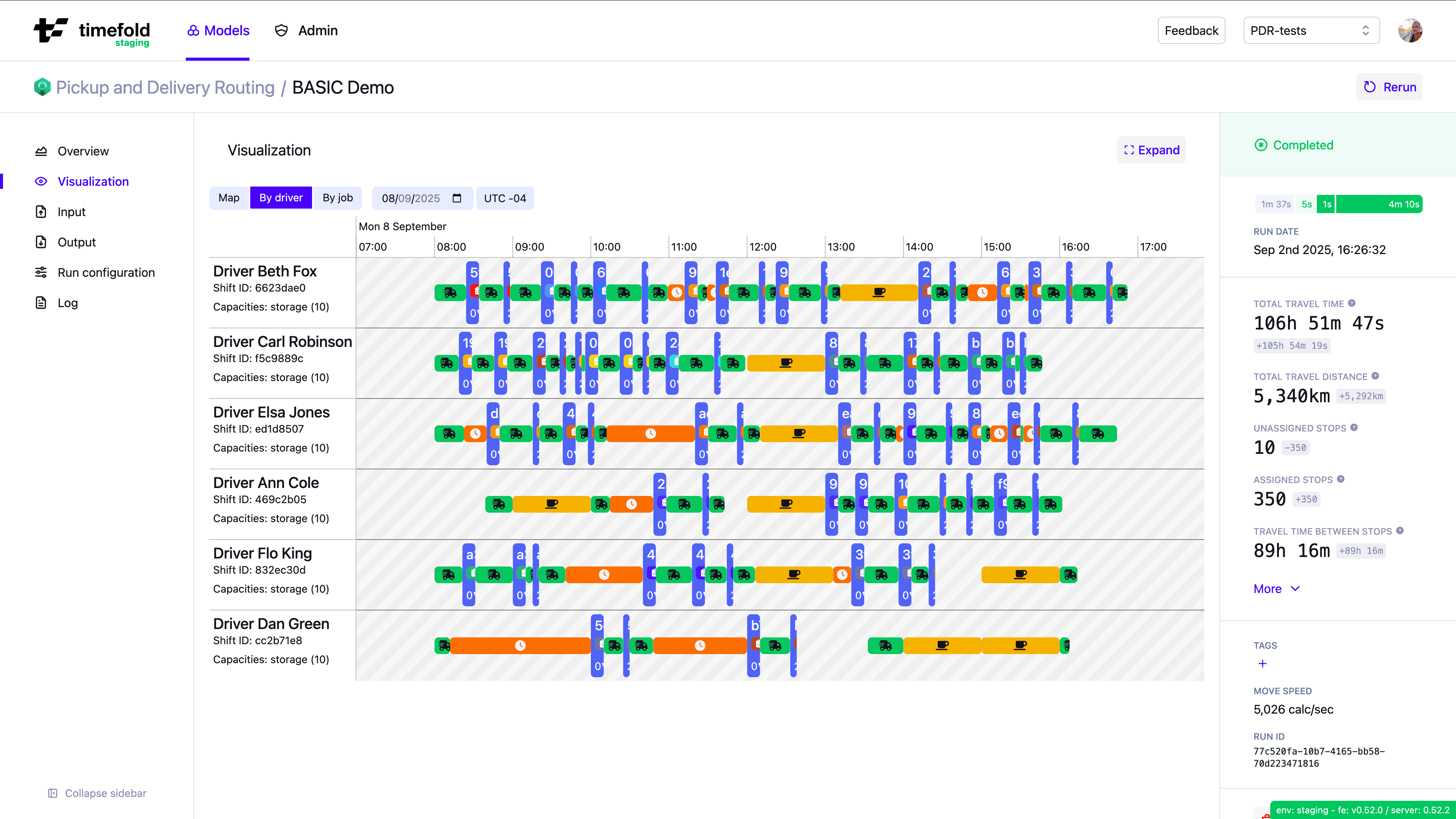
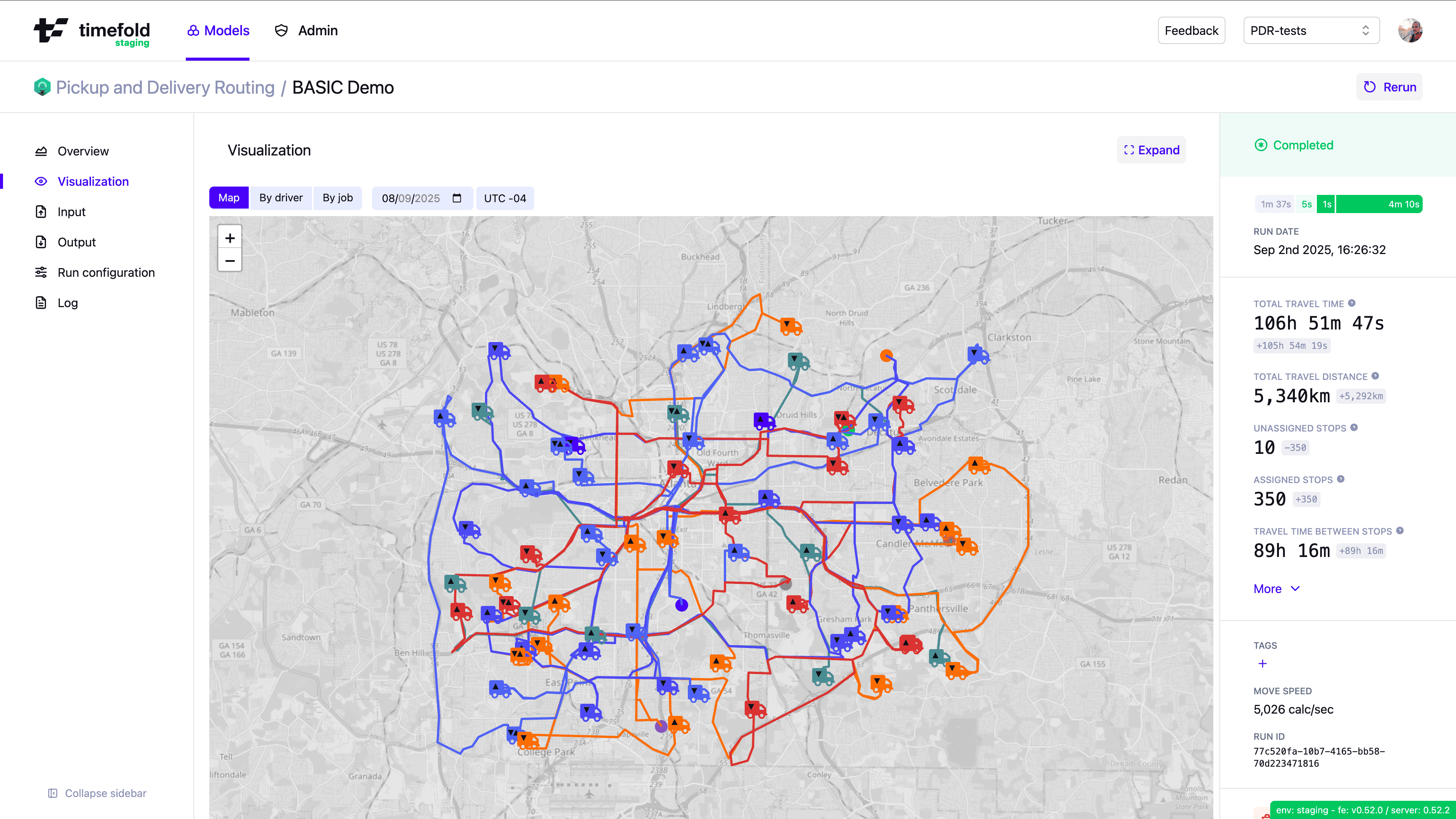
This Timefold Model exposes an API that helps your software assign pick-up and delivery requests to drivers, and route drivers so that multiple pick-ups and deliveries can be made on the same trip, optimizing for vehicle capacity, efficient routing, and to minimize customer waiting times.
Service quality
Time windows and opening hours
DOCSStart and complete stops within their time windows. For example to the pick-up is ready to be collected and delivered.
Skills
DOCSMatch skill requirements for jobs to drivers with those skills.
Job requirements
DOCSAllow jobs to require or prefer specific drivers.
Moveable and multi-day schedules
DOCSAssign jobs early in their time windows to avoid running out of time later.
Driver capacity
DOCSManage the driver's vehicle load and capacity type to make sure drivers always have enough capacity for their jobs.
Dependencies between stops
DOCSMake sure stops are scheduled in the correct order and that stops in the same job are assigned to the same driver.
Priority jobs and optional jobs
DOCSWith too few resources for all the work, schedule as much (priority) work as possible.
Stop service level agreement (SLA)
DOCSAdd SLAs to stops to make sure they are scheduled on time.
Job requirements and tags
DOCSAssign specific drivers to jobs, allow or prohibit job pooling, and use tags to include additional information about jobs and drivers.
Driver satisfaction
Cost optimizations
Route optimization
DOCSReduce the travel time and mileage per driver. This increases productivity and reduces CO2 emissions.
Use cases
Non-emergency medical transportation (NEMT)
DOCSDispatch drivers to efficiently transport clients between places such as doctor or specialist appointments, dialysis centers, mental health services, etc. while reducing miles driven, improving on-time performance, and ensuring passenger comfort.
Courier and express delivery
DOCSPlan same-day and on-demand deliveries of small parcels, documents, and packages. Typical operations involve dynamically assigning pick-up and delivery jobs to a fleet of couriers. The model helps reduce driving time, improve on-time delivery performance, and maximize courier utilization while respecting strict service-level agreements (SLAs).
Related models

Field Service Routing
If your workers perform a task at the customer location rather than transporting goods between two points, the Field Service Routing model is likely a better fit.
Your workers complete a task on site, such as an installation, repair, inspection, or care visit, instead of moving goods between locations.
Matching the right person to the job matters: skills, certifications, tools, or customer affinity.
Each visit has a service duration and time window at a single location, not a linked pick-up and delivery.
You care about technician working hours, breaks, overtime, and multi-day scheduling across a workforce.
Constraints
Dependencies between stops
- Assign stops in sequence
Do not assign stops out of sequence.
- Assign the same driver shift for dependent stops
Require the same driver shift for dependent stops.
- Do not assign stops if previous stop is unassigned
Do not assign a stop if the stop's preceding stop is unassigned.
- No loops allowed
- No semi-assigned jobs
Assign all stops in a job or no stops in the job.
Driver capacity
- Do not exceed vehicle capacity
Do not assign stops that exceed the driver's capacity.
Job requirements, area affinity, and tags
- Assign preferred driver
Assign a preferred driver.
- Assign required driver
Only assign the job's required drivers.
- Do not assign prohibited drivers
Do not assign a driver to a job that lists the driver as a prohibited driver.
- Do not exceed the maximum time burden for jobs
- Prohibit job combinations
Prohibit specific combinations of jobs.
- Prohibit job pooling
Do not assign jobs together if one of the jobs prohibits job pooling.
- Required tags
Only assign jobs to drivers who have the required tags.
Lunch breaks and personal appointments
- Latest floating break end time
Do not schedule fixed breaks to end later than the maximum end time.
- No conflict with fixed break
Do not schedule stops during a fixed break.
- No conflict with fixed location break
Do not schedule stops during a fixed break with a location.
- No fixed break during job
Do not schedule a fixed break during a job.
- No floating break during job
Do not schedule a floating break during a job.
Multi-day schedules and movable stops
- Prefer stops scheduled to the earliest day
Schedules stops to the earliest day possible.
Priority stops and optional stops
- Assign mandatory stops
Avoid leaving mandatory stops unassigned.
- Prefer scheduling optional stops
Schedules as many optional stops as possible.
Replanning
- Keep a pinned stop's driver shift
- Keep a pinned stops's start service time
Route optimization
- Do not assign unreachable routes
Require all itineraries to follow reachable routes.
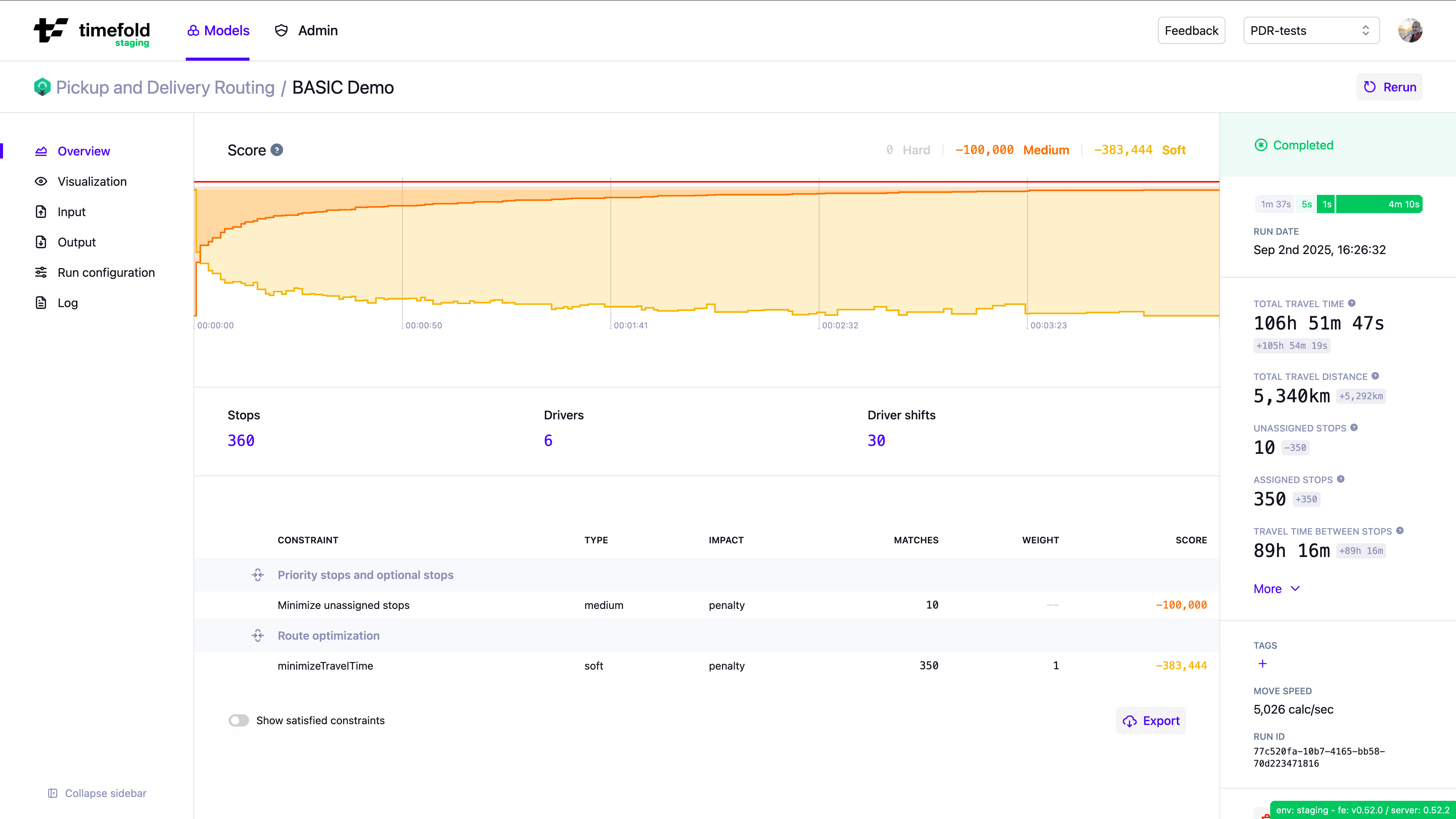
- Minimize travel time
Minimize the amount of time drivers spend driving.
- Minimize waiting time
Minimize the amount of time drivers spend waiting before starting the service at a stop.
- Only assign reachable stops
Require all stops to be on a reachable route.
Service level agreements
- Minimize breaching SLAs
Minimize the number of stops that do not satisfy their SLA.
Shift hours and overtime
- Latest final stop departure time
- Latest shift end time
Do not assign drivers to work after their max shift end time.
- Preferred final stop departure time
Avoid keeping drivers on jobs after the end of their shifts.
- Preferred shift end time
Minimize the overtime drivers should work.
Skills
- Assign drivers with the required skills
Do not assign drivers who do not have the correct skills.
- Minimize using unnecessary skills
Avoid assigning drivers with higher skill levels than are needed for jobs.
Time windows and opening hours
- Latest service end time
Do not schedule a stop after the stop's max end time.
- Latest service start time
Do not schedule a stop after the stop's max start time.
Interested in learning more about how this model can help solve your optimization challenges? Talk to an expert.